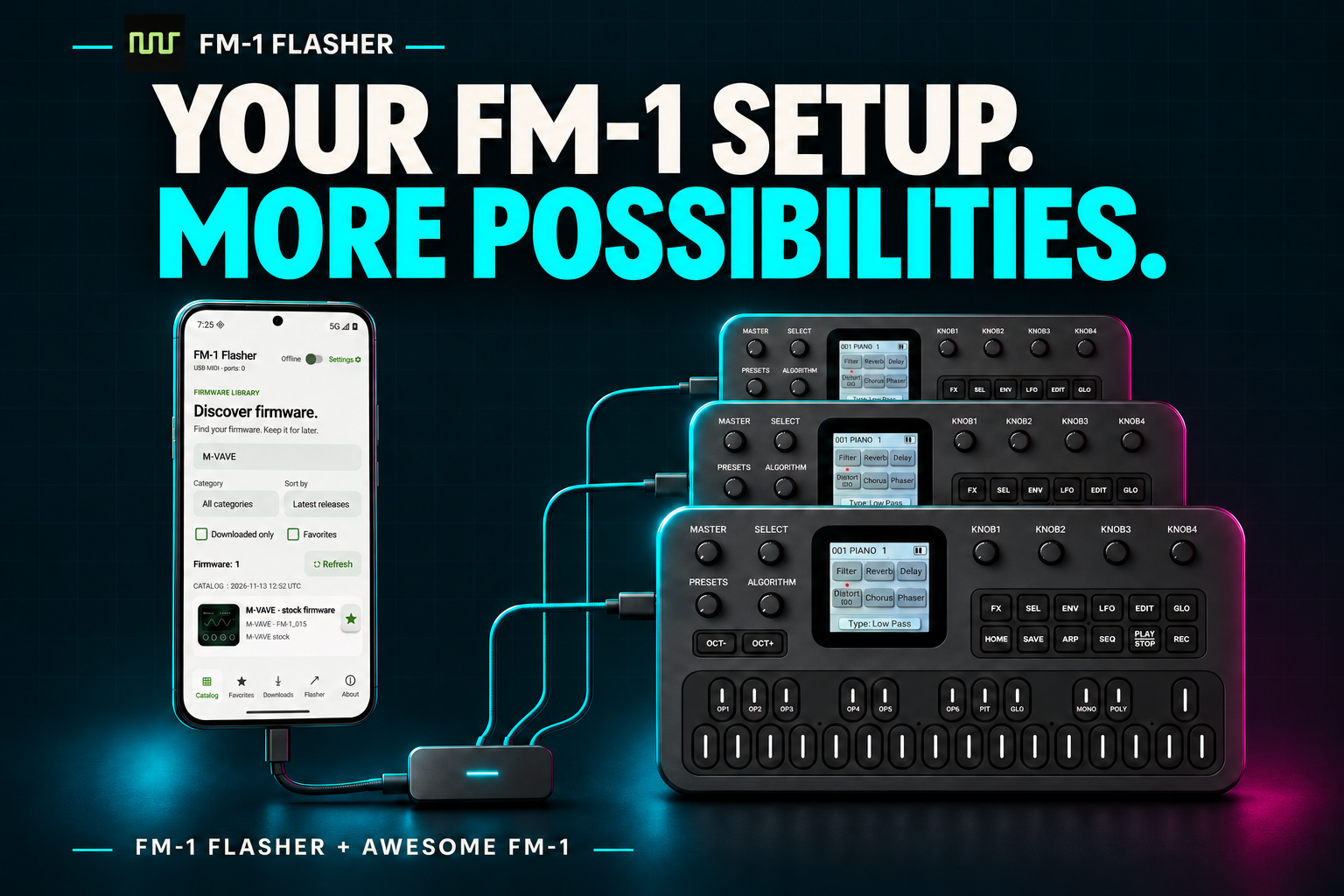
Several FM-1 instruments. One installation plan.
FM-1 Flasher 0.10.2 includes a local firmware library and sequential installation tasks. Back up and restore banks, settings, sequences and presets under Devices → MIDI and backups. Experimental tools support bootloader management, ROM firmware installation and same-device flash restoration.
Getting started
Devices · Library · Tasks
- Devices: read each instrument, name it and assign its own downloaded firmware.
- Library: search multiple sources, keep favorites and use verified local packages offline.
- Tasks: review one plan, install sequentially and keep individual results. Stop after the current instrument without interrupting its write.
Returning after a restart
Multiple instruments require inline pairing of the unique returning unit. A lost neighbor, ambiguous return or hub reset blocks further writing. USB addresses are not physical socket numbers, and automatic multi-device matching is disabled pending hardware tests. Interrupted writes never resume automatically.
Use data cables and stable power; a powered hub is recommended. The app cannot certify power quality. A port to iOS is planned for the future. There is no iOS release or announced release date.
For developers
Building firmware for the M-VAVE FM-1? Submit your project to the Awesome FM-1 community catalog or share your own source directly with selected users.
To join Awesome FM-1, fork the repository, add a short project proposal and open a pull request. For private distribution, publish .fwsc files as GitHub Release assets and add the repository in Settings → Firmware sources using your own access token. Each recipient needs their own repository access and token.
Submit a project to Awesome FM-1 · Developer guide
Documentation
- Several instruments through a hub
- Build and tests
- Architecture and platform boundaries
- 0.10.2 release notes and APKs
- Publication status and workflow limitations
- Building this website
Privacy and open source
No account or advertising. The F-Droid distribution has no analytics SDK; Google Play builds collect usage statistics by default; you can turn them off in Settings → Usage statistics. The library, instrument names, observed serials and task history remain local. External catalog/download services receive connection metadata.
Privacy policy · MIT license · CommonMark license
Contact: ekim.pl@gmail.com.
Latest video
Google Play
Coming soon to Google Play! I'm looking for beta testers — get in touch if you'd like to join.
F-Droid


Add the project repository to an F-Droid client to install and update FM-1 Flasher. APKs are also available in GitHub releases. This repository is separate from the official F-Droid catalog; switching distributions requires compatible signing certificates.